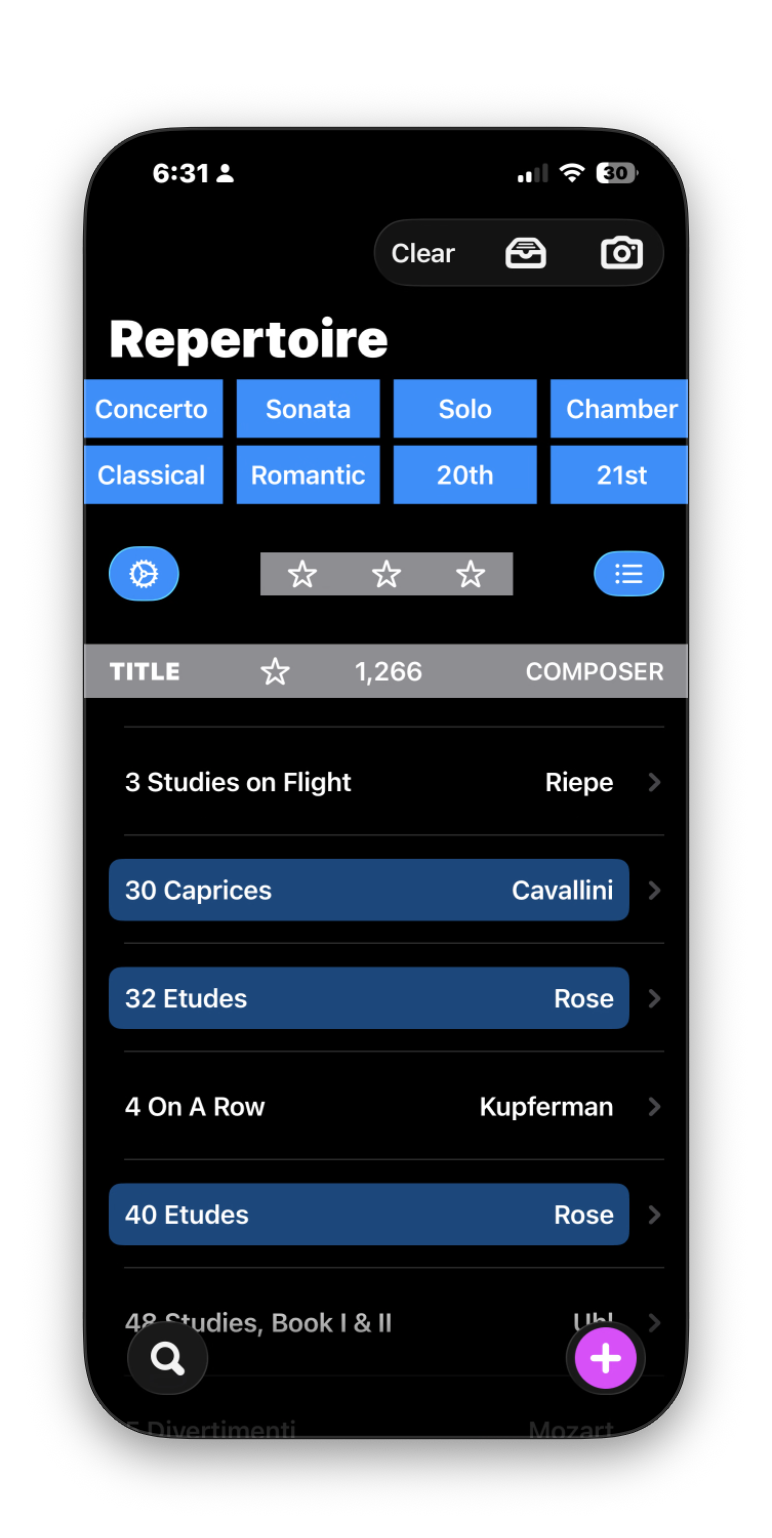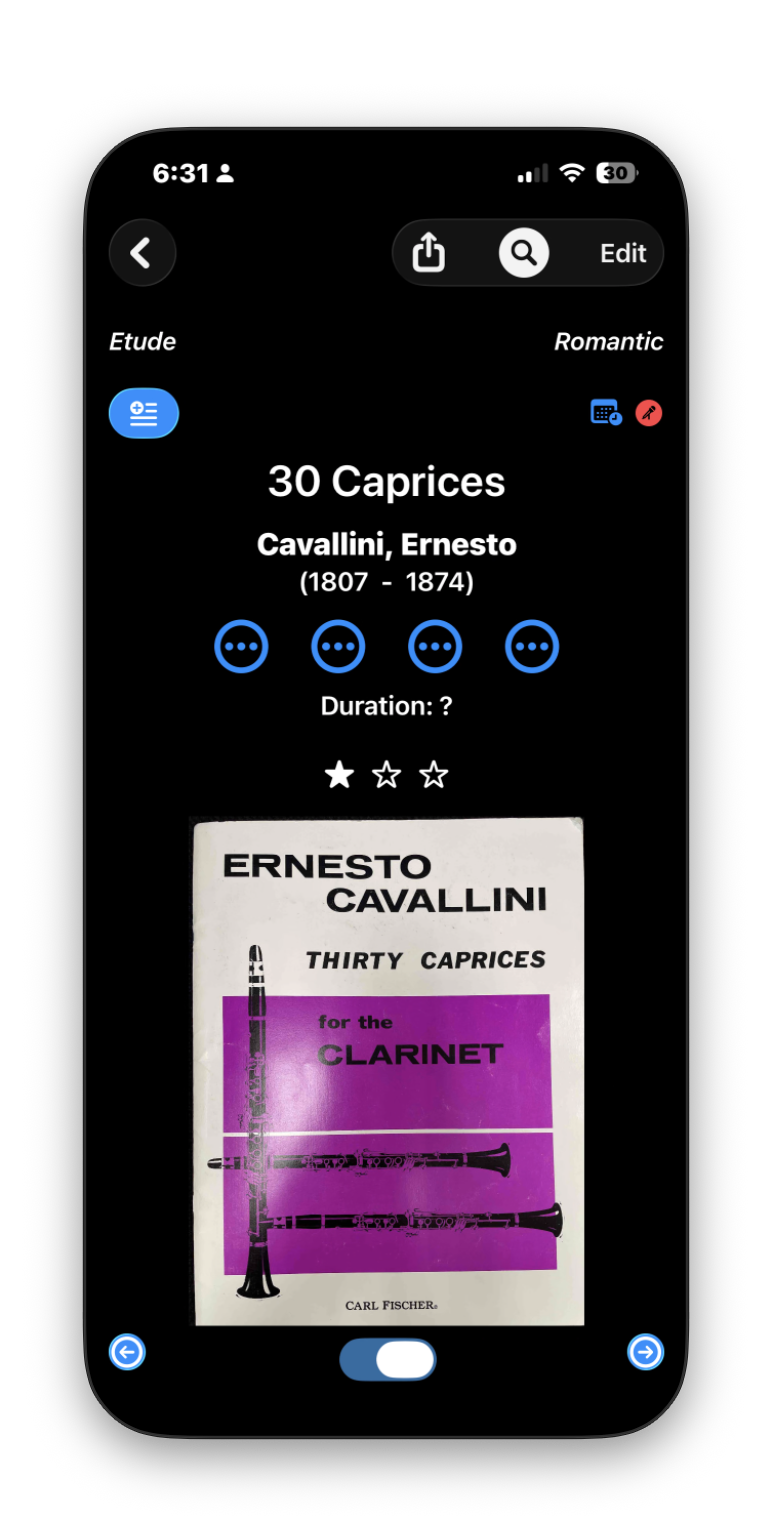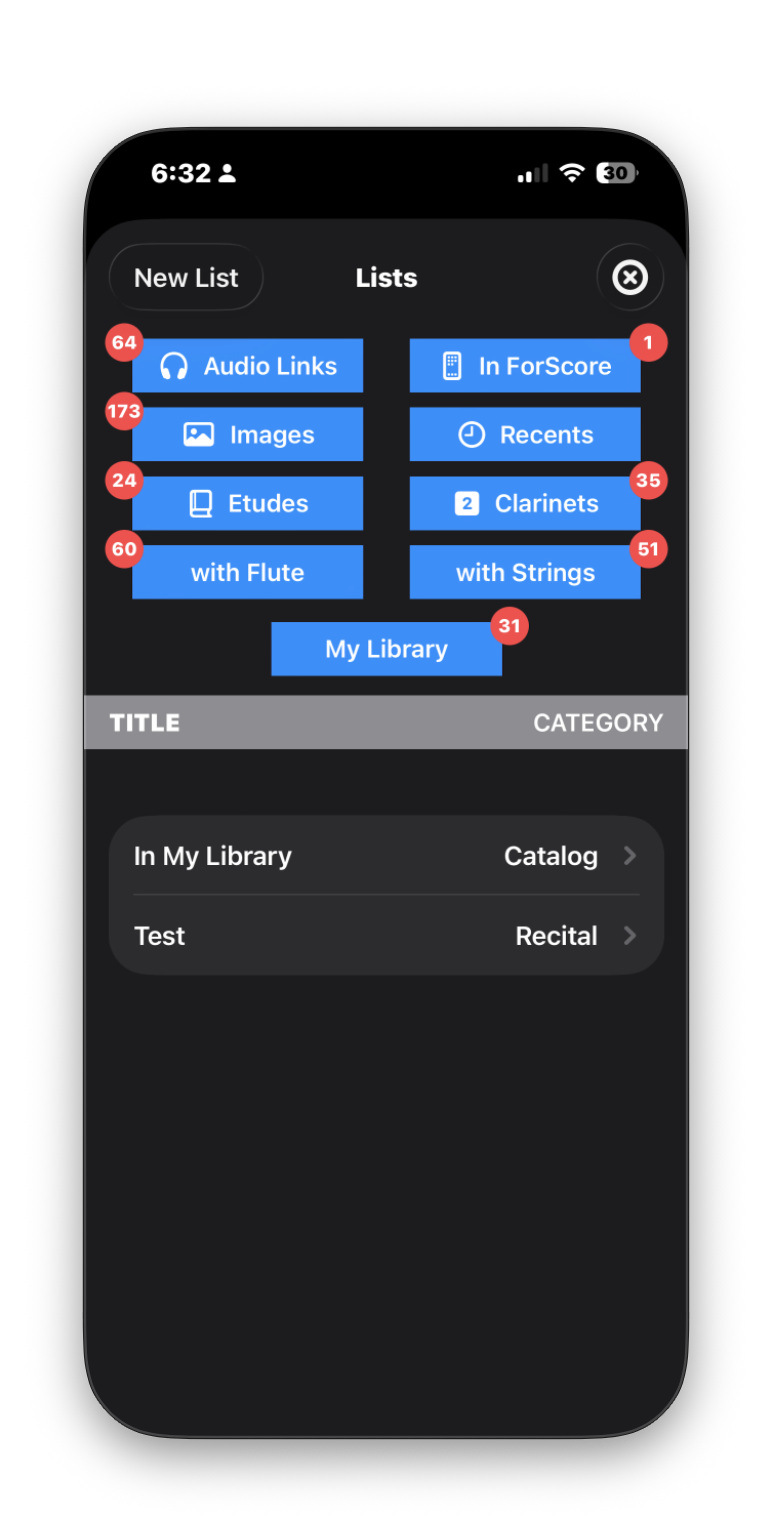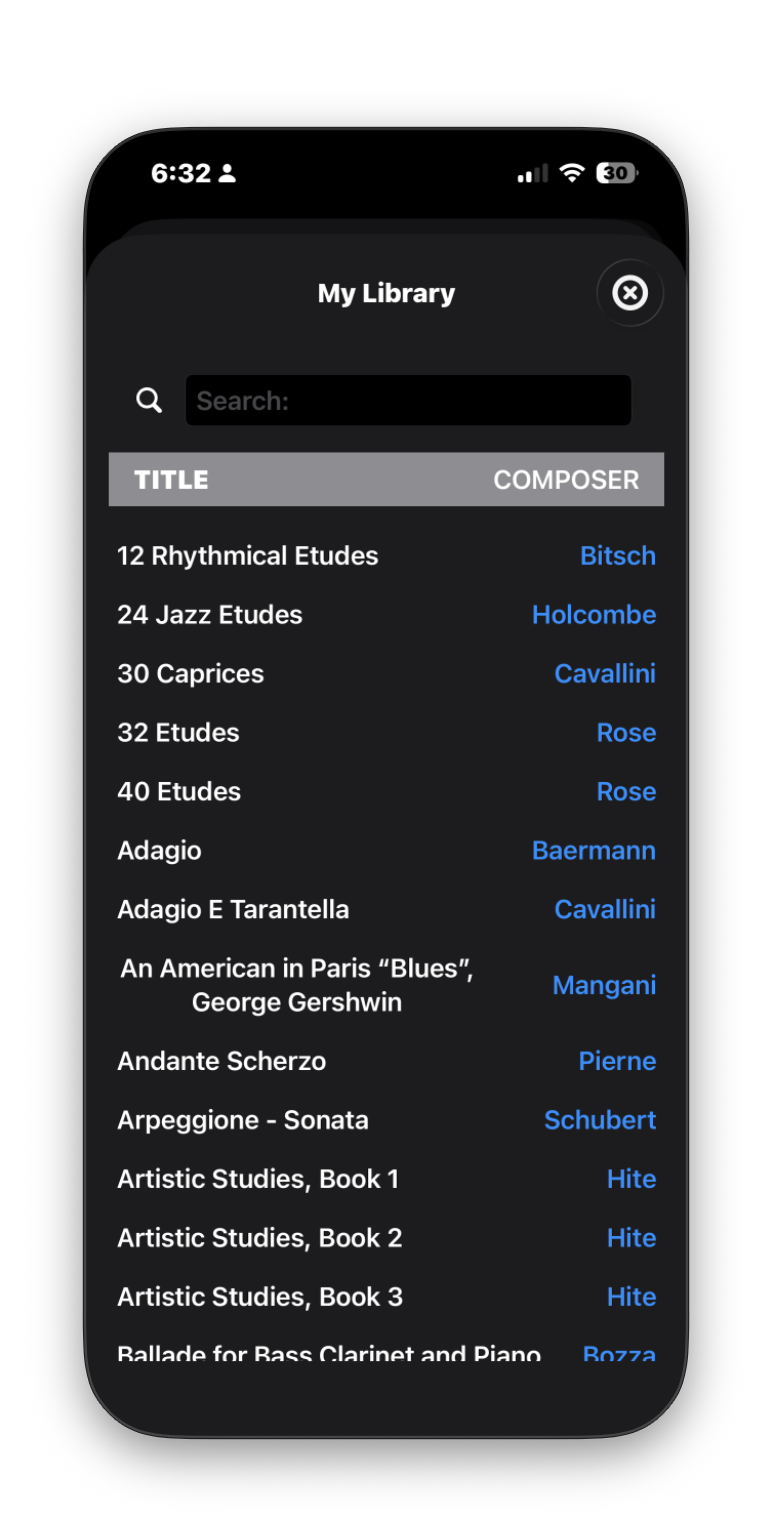
Clarinet Repertoire is my app that was a result of my dissertation project, which was to compile a catalog of clarinet teaching repertoire. The latest update came out this week and adds some new features and polish.
Clarinet Repertoire is a database of over 1200 pieces of clarinet music. This catalog represents some of the more common works for clarinetists from the Classical period until today. The database may be filtered using the blue buttons indicating the time period and genre. New works will be added over time, and users may submit new pieces to the developer for inclusion in future updates.
Here are a few key features:
- Use the camera or photo library to add pieces to the inbox. This is a fast way to remember pieces that you later want to add to the database.
- Lists may be created for planning out recital programs. The “Create Program” button will export a formatted PDF of the recital, including any notes associated with each piece as program notes.
- The magnifying glass may be used on each piece to search Google within the app. From here, information about the composer or work and may be copied and included in the piece’s record.
- Up to four audio links may be added to each piece. The links will take you directly to the internet or app for listening.
- ForScore integration. If you use ForScore on your device as a sheet music reader, you can mark the pieces in Clarinet Repertoire that are in your ForScore library. If the title matches the title in ForScore, you can link directly to that PDF from Clarinet Repertoire.
- Stars indicate relative difficulty. One star corresponds to pieces suitable for High School or University Freshman/Sophomore age students. Two stars are for University Junior/Senior students, and three stars are for Graduate students and professionals. Specific criteria for these ratings may be found in Settings-Instructions.
- Backup/Import. You may save a backup file to your device. You can choose to back up the entire database, or only the new pieces that you have added. Backups are saved as .csv files. These files may also be imported into the app if you need to reset the database.
- If you are logged into your iCloud account, the database will sync to your other iOS devices.
The Latest Version - 1.1.8
In this latest version I have added the option for marking pieces that you personally own. If you have purchased sheet music for a one of these pieces you can swipe left on piece in the list to add it to your personal library. The piece will be highlighted and collected into a Smart List. A toggle in the detail view for each piece may also be used to add pieces to your personal library.
To download Clarinet Repertoire for your iPhone or iPad click here for the App Store